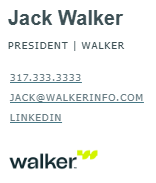
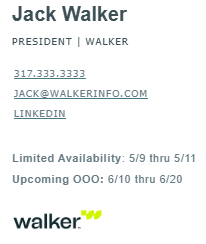
Follow these instructions to set your custom email signature.
Click the download button, download the .eml file from Egnyte, then open the file in Outlook.
Copy and paste the contents into your email signature, then update to your information.
Update the links for your email and LinkedIn by right-clicking on the link and select “Edit Link.”
If the links turn to the default blue, select the text, right-click on the text, select the arrow next to the font color option, then select “more colors.” Enter #5C6E75 in the “Hex” box and click “OK.”
Old Outlook will not recognize this template. The only solution is to copy and paste a signature from a sent email, which is not reliable. Moving to the New Outlook is the recommended approach.
If you cannot enter the color code, select the “dark gray” color swatch from the color selector popup.
If you have any questions about Walker Hub, please contact a member of the marketing team or send an email to brand@walkerinfo.com.